So richten Sie VPN & Proxy für die Recherche von Zuhause unter Windows ein:
1
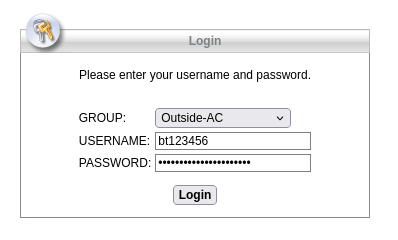
Klicken Sie auf Login.
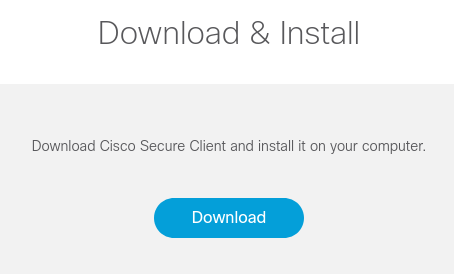
Rufen Sie die Website bitte mit dem Gerät auf, auf dem Sie die VPN Software installieren wollen. Ihr Betriebssystem wird automatisch erkannt, eine Möglichkeit der manuellen Auswahl besteht leider nicht.
Sollte Ihr Gerät nicht über eine Internetverbindung verfügen können Sie am Campus das frei verfügbare WLAN @BayernWLAN verwenden!
2
3
4
5
Installieren Sie das UniBT-Proxy AddOn.
Nach der Installation sollten Sie oben rechts in Firefox ein neues Icon mit dem Uni Bayreuth Logo sehen.

6
7
8
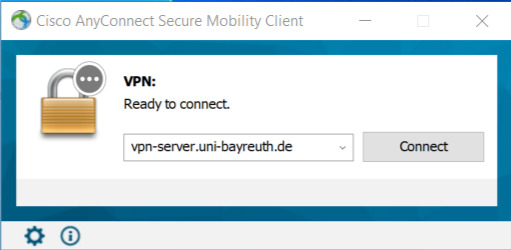
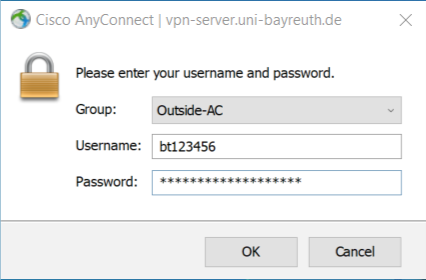
Wenn die Verbindung erfolgreich hergestellt wurde, verschwindet der Cisco Secure Client unten rechts in die Tray-Leiste.
9
Schwarz = AddOn deaktiviert
Grün = AddOn aktiviert

10
Bitte denken Sie daran, VPN und Proxy wieder zu deaktivieren, wenn Sie ihn nicht mehr benötigen - Ihr gesamter Web-Traffic läuft ansonsten weiter über die Uni Bayreuth!
Das Proxy-AddOn können Sie mit einem einfachen Linksklick auf das Uni Bayreuth Icon in Firefox deaktivieren.
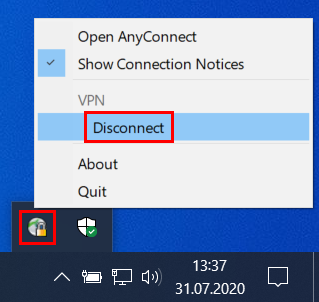
Den Cisco Secure Client trennen Sie mit einem Rechtsklick auf das Programmsymbol in der Tray-Leiste unten rechts -> Disconnect.
Sagen Sie uns die Meinung - hat alles geklappt?
Laptopsprechstunde
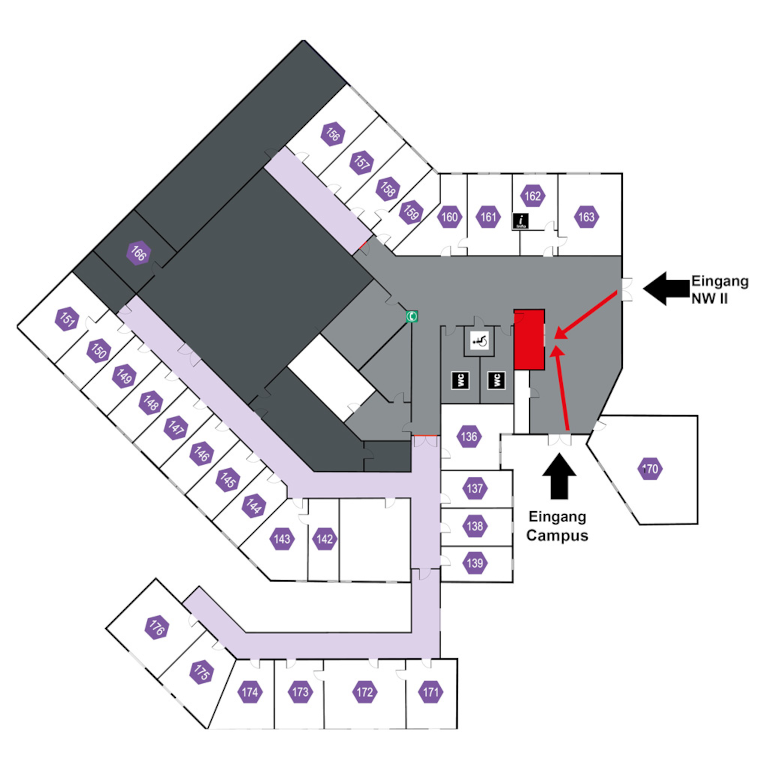
IT-Servicezentrum Raum 3.2.U1.131 (Schalter im ITS Flur)
Öffnungszeiten: (ganzjährig, außer während der Weihnachtsschließung)
Mo-Fr 08:30 - 11:00 Uhr
Mo-Do 13:30 - 15:30 Uhr
Keine Terminvereinbarung erforderlich!
Mail: laps@uni-bayreuth.de